Teaching Vibe Coding

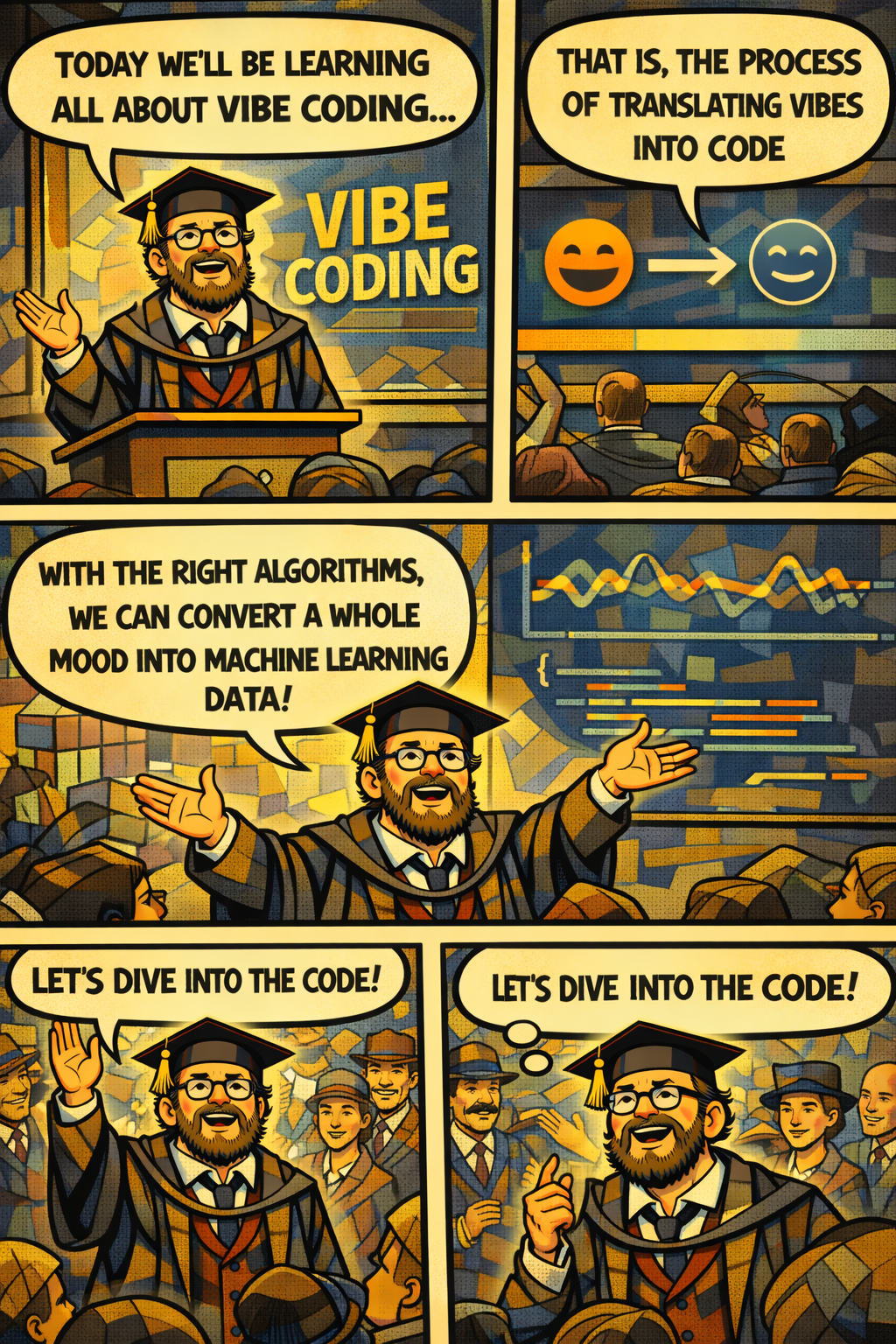
I taught a class on vibe coding today. 50+ Executive MBA students, high variance in tech experience, high variance in what laptops they can bring to class. Challenge accepted. It went as well as it could, but I learned many things from the experience.
First, why should we do this as business school academics? I think there are three good reasons:
- This is the new Excel. I believe that within a few years, Excel spreadsheets will mostly disappear, and analyses will mostly come from some form of agentic vibe coding. We'd better get all of our students comfortable with this way of thinking.
- It is hard to follow what is happening in AI if you don't know how to do this. Many AI firms are pouring a lot of money into making their systems code smarter. We now have coding factories that go from idea to tested and scalable product with very little human intervention. I don't think you can keep up with the technical developments without some experience in agentic coding.
- This turns everyone with a computer into a user-innovator. We used to be constrained in our use of information technology by the programs developed by others; with Vibe coding, you can build your own programs and create the functionality you always imagined. This changes you from a 'dumb' user to a builder and innovator.
But how to do this well? I think you need to factor in the challenges of the classroom. Specifically, students come in varying degrees of technical background, and they also have laptops that are more or less suited to installing a proper vibe coding environment. You also need to understand that you will need a lot of help in the classroom, since you will have 50 people with 50 different problems. You need to recruit help from the audience.
The latter part is relatively easy to do and something that worked well in my class. You will have people with some software development experience in the classroom. Survey the class, and ask (1) who has experience developing apps with vibe coding, (2) who is willing to help other students, and (3) which system they are comfortable with (Windows/Mac/Linux). From that data, create a list of black belts (lots of experience, willing to help) and green belts (some experience, willing to help), and form several classroom pods with each pod having at least one black belt (and a few green belts). Try to keep pods within one system (mostly Windows or Mac).
I made the initial mistake of allowing students to pick their own projects. I think this is not the right first step. Rather, stick to a standard project at first to get them through the initial experience. This is a bit akin to 'hello world.' We want to get to that magic moment of going from prompt to code fast.
I also think that starting with a full vibe coding setup is the wrong approach. You need to start with one of the simple online tools, like Replit, Lovable, AI Studio, Bolt, or v0. Pick one, have students create a free account, and get them started quickly. I tried Replit, and am not impressed. Lovable worked better. Some Universities get free student pro accounts with v0 (https://v0.app/students), and if you are on that list, that would be my go-to option.
For the first 'hello world' app, I think a good choice is a Pixel Canvas - something to paint on. You can first create a single-player version, which will be up and running quickly. You can then add a multiplayer version that lets people paint together, which illustrates the importance of thinking about the application's backend. Here is a prompt for creating the first version of the app:
Build me a pixel art canvas app as a single HTML file I can open in my browser. Here's what I want: THE CANVAS - A 32×32 grid of square cells on a clean, dark-themed page - Each cell starts empty (dark/transparent) and can be clicked to paint it with the current color - The grid should be centered on the page and sized so it looks good on a laptop screen DRAWING TOOLS - A color palette with 16 fun, vibrant preset colors (think classic pixel art palette — reds, blues, greens, yellows, skin tones, black, white, etc.) - An eraser tool that resets cells back to empty - Click-and-drag painting — I should be able to hold the mouse button and drag across cells to paint continuously, not just click one at a time - A "clear all" button that wipes the whole canvas NICE TOUCHES - Show the currently selected color clearly - When I hover over a cell, give me a subtle preview of what it would look like painted - Add a fun title/header to the page - Make the overall UI feel playful — rounded corners, nice spacing, maybe a subtle shadow on the canvas Keep everything in a single HTML file with embedded CSS and JavaScript. No frameworks, no build tools, no dependencies — just a file I can double-click to open.
This creates a simple and interactive app right away. Lovable renders it in a preview, and everyone can play around with it. This should get students excited. You can tell them they can prompt for a larger grid size, more colors, or other simple features they can think of, and see how the app immediately changes. You can also ask Lovable to add some emojis to the palette.
You can now discuss what it would take to have multiple people work on the same canvas. This would be fun, but you now need a database in the backend that can recognize inputs from multiple computers and render the same output across them. Here is a prompt that students can use:
Now I want to make this multiplayer — multiple people should be able to paint on the same canvas at the same time. Here's what needs to change: SHARED CANVAS - Every pixel's state (color or empty) should be stored in a backend - When I paint a pixel, it updates the backend , and everyone else sees the change in real time - When I open the page, I should see the current state of the canvas that others have already painted LIVE PRESENCE - Show a small count somewhere on the page of how many people are currently connected - Each connected user gets assigned a random fun name (like "Coral Penguin" or "Neon Cactus") — show my name somewhere so I know who I am CURSOR GHOSTS (stretch goal, but would be really cool) - Show other users' cursors on the canvas as small colored dots or outlines so I can see where they're painting in real time
Note that this project should just be able to finish with the free credits available on Lovable.com. You can then ask students to click the publish button to publish their app, choose a (available) URL for their app, and afterwards open the URL in a different browser tab. Then, they can share their URL with another student and paint on the Canvas together. Ask them all to paint 'Hello World' once.
Now, you should ask two important questions: (1) Do you want to set up a more powerful development environment on your computer, or do you want to play around more with the online environment on Lovable.com? (2) Do you have administrative rights on your laptop so that you can install applications? The students who are happy playing around - let them play around, but tell them that they probably need to buy a few more credits on Lovable.com to keep using it. The students who do not have admin rights, tell them the same. The next step is technical and does require students to have some control over their laptops.
There are several accounts needed:
- A Google Account
- A GitHub Account
- A Claude Pro Account
Claude Pro, of course, is a paid subscription. There are essentially several tools that a student should install:
- Git and Gitbash (for version control, push/pull with online repositories, and to have a proper terminal)
- Node.js (to download development tools and have an easy way to preview builds)
- VS Code (for an integrated development environment) with git and Claude extensions
- Claude Code for the Command Line Interface
There are additional optional components, such as Powershell 7 (a better Windows Powershell), Windows Shell for Linux (very useful for more complex code execution), Codex/Claude desktop apps ... but these are somewhat optional. I have set up an initial installation guide here (https://edutool.org/get-started), but I need to update it based on my experience. The above installations take time and support. Only embark on them with students who feel comfortable with them, and only attempt this with enough black belts and green belts in the room. I tried moving this process to homework, but that is not a good way forward. You need to control, step by step, what students are installing.
That's probably enough for one blog post. Will continue this at a later time. Good night and good luck!